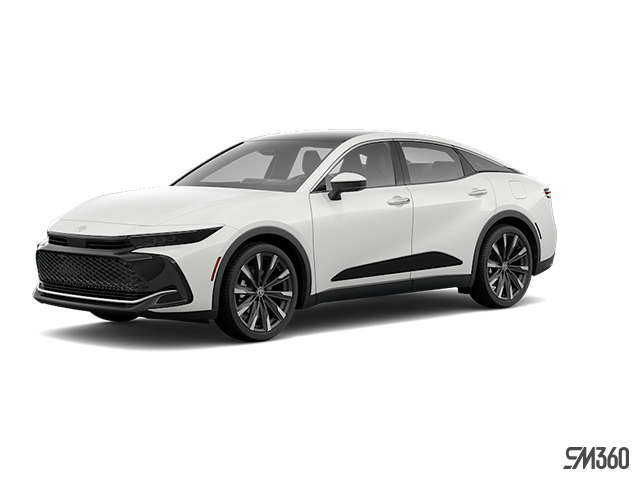
Photo for illustrative purposes only.
Find out more
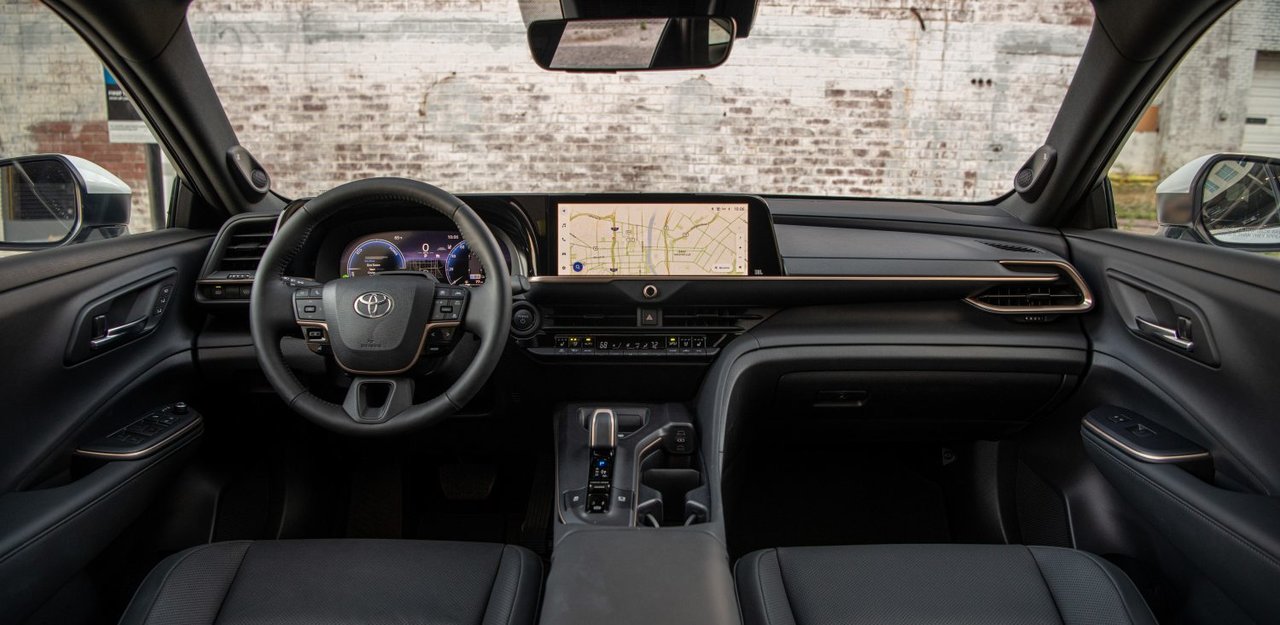
Wireless Apple CarPlay has become a standard expectation for drivers who want to stay connected without the hassle of cables. Toyota has expanded this feature across several 2026 models, making it easier than ever to access navigation, music, and messaging through your vehicle's multimedia system. Understanding which Toyota models offer wireless connectivity can help you choose the right vehicle for your needs.
Setting up wireless Apple CarPlay in your Toyota is straightforward once you know the steps. This guide covers which 2026 Toyota models include wireless Apple CarPlay capability and walks you through the connection process, so you can start using your preferred apps the moment you get behind the wheel.
The 2026 Prius brings wireless Apple CarPlay to both available trims. The XLE AWD features a 6-speaker audio system, wireless Apple CarPlay compatibility, and 6 USB charging ports. The Limited AWD upgrades to an 8-speaker JBL audio system while maintaining wireless Apple CarPlay compatibility and adding wireless Android Auto capability. Both trims include a 3-month SiriusXM All-Access trial and all-wheel drive.
Pricing and features are subject to change. Please verify current offers with your dealer.
The 2026 4Runner Hybrid includes wireless connectivity as part of its comprehensive technology package. This model features a 14-inch touchscreen paired with a 14-speaker JBL audio system that includes a portable Bluetooth speaker. The system supports 5 USB Type-C ports (3 front, 2 rear), Bluetooth capability, and HD Radio. The 4Runner Hybrid also includes a 12.3-inch full digital gauge cluster and head-up display for convenient information access.
The 2026 Corolla lineup includes wireless Apple CarPlay compatibility. The Toyota Multimedia system provides the foundation for wireless connectivity in this popular compact sedan.
Enable Siri on your iPhone through the Settings menu. This is required for wireless Apple CarPlay functionality. Make sure your iPhone's Bluetooth is turned on and that you're within range of your vehicle.
Start your Toyota and access the main menu on the multimedia system touchscreen. Touch the menu icon, then select Bluetooth & Devices. If no smartphone is currently registered to the multimedia system, the device search screen will appear automatically. If you already have a device registered, touch Add another device to begin the pairing process.
Touch Search for devices and wait for your iPhone to appear in the list of available devices. Select your iPhone from the list. A PIN code will display on both your vehicle's screen and your iPhone. Verify that both codes match, then touch OK on the vehicle screen and confirm on your iPhone.

Once your iPhone is paired via Bluetooth, select the smartphone from the Bluetooth & Devices menu. Set Use for Apple CarPlay to ON. The system will establish a wireless connection between your iPhone and the multimedia system. This process typically takes a few seconds.
After the initial setup, your iPhone will automatically connect to Apple CarPlay when you enter the vehicle with Bluetooth enabled. You don't need to repeat these steps for future drives.
The Apple CarPlay interface appears on your Toyota's touchscreen once connected. Access your apps by touching the app icons on the screen. Switch between the Toyota multimedia system and Apple CarPlay by touching the appropriate icon on the display.
Activate Siri by touching and holding the voice command button on the Apple CarPlay screen, or use the voice command switch on your steering wheel for hands-free operation. To cancel Siri, perform a short press of the steering wheel switch.
Audio Systems:
Charging Options:
Connected Services:
If your iPhone doesn't appear in the device search, confirm that Bluetooth is enabled on your phone and that you're not already connected to another vehicle or device. Restart both your iPhone and the vehicle's multimedia system if needed.
For connection drops after initial pairing, check that your iPhone's software is up to date. Apple regularly releases updates that improve CarPlay stability. Also verify that Use for Apple CarPlay remains set to ON in the Bluetooth & Devices menu.
If Siri doesn't respond when you press the steering wheel switch, confirm that Siri is enabled in your iPhone's Settings menu and that you're holding the button long enough to activate the feature.
Wireless Apple CarPlay is just one of many technology features available across the 2026 Toyota lineup. From advanced audio systems to comprehensive connected services, these vehicles offer the connectivity and convenience that Ontario drivers expect. Visit our team at Whitby Toyota to explore the 2026 Prius, 4Runner Hybrid, and Corolla, and experience wireless Apple CarPlay in person.
Photo for illustrative purposes only.
Find out more
Six-Speed Manual: Which 2026 Toyota Tacoma Models Still Offer One?
If you’re shopping the 2026 Tacoma in Ontario because you want to actually row your own gears, the lineup can be confusing. Toyota builds 14...
Read more
What Electronic On-Demand AWD Adds to the 2026 Toyota Crown Signia
Ontario roads swing from gravel shoulders to rain-slicked highways in the same afternoon. A shopper cross-shopping hybrid SUVs in Ontario often...
Read more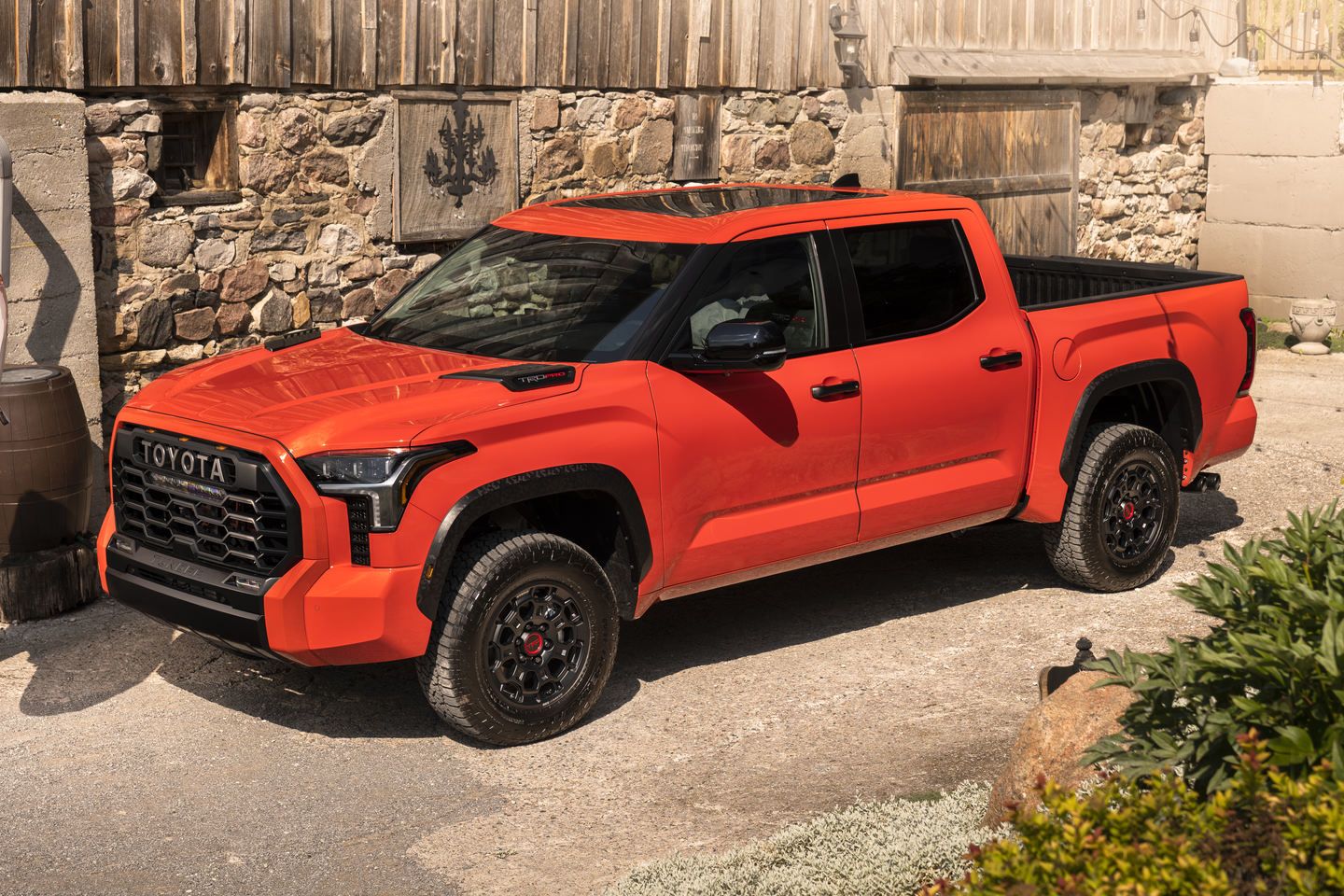
Multi-Terrain Select Explained: How the 2026 Toyota Tundra TRD Off Road Handles Rough Ground
Gravel shoulders, muddy laneways, and rutted cottage roads are part of daily life for a lot of Ontario truck owners. The question is whether a...
Read morePowered and developed by